REI / THE FEATURE SET
A lockscreen
that feels like yours.
Make your Android screen personal, useful and alive. Build your own clock, add the details you care about, and give every layer a little motion.
100+clock styles
3Dphone motion
A12+Android support
09:41◦ ◦ ◦ ▰
FRIDAY · OCT 16
09:41
NOW PLAYINGsoft lightyour lockscreen, your mood
MAKE SPACE FOR YOUR STYLE
THE TOOLKIT
Small details.
Whole new feel.
Create a clock from separate layers, or begin with a community design. Keep each piece editable as you tune its layout, motion and everyday details.
01 / CREATE✳
Build a clock from layers.
Start from a blank canvas or adapt a saved clock. Place each text layer, shape, image, widget or group independently, then refine its size, position and appearance.
09:41TIMESHAPEPHOTO
- Editable text, shapes, widgets and grouped layers
- Alignment guides, snapping and size matching
- Image, gradient and frosted-glass fills
- Per-layer effects, motion and copy/paste
See the clock editor guide ↗
Change clocks right from the lockscreen.
Long-press the clock to open the picker, swipe through live previews, then tap Apply. Your chosen design eases into place with a smooth transition.
LOCKSCREEN09:41PRESS & HOLD
→
CHOOSE A CLOCK09:4109:4109:41
APPLY ↗
- Open the clock picker with a long press
- Swipe through clock styles before choosing
- Apply the selected design with a smooth transition
03 / MOVE↗
Let the phone set things in motion.
Give each layer its own tilt or parallax response. Add foreground cutouts for a sense of depth, then choose how the clock assembles on wake.
WALLPAPER
CLOCK LAYERS
FOREGROUND
- Per-layer tilt, parallax or both
- Wallpaper cutout depth and gyro motion
- Wake and unlock assembly styles
04 / GLANCE♫
Useful things, right where you need them.
Keep music, weather, device details and everyday reminders on the lockscreen as individually editable layers.
- Music controls and visualizers
- Live upload and download speed
- Weather, battery and device telemetry
- Tasks, notes and focus profiles
05 / REACT♡
A little character with personality.
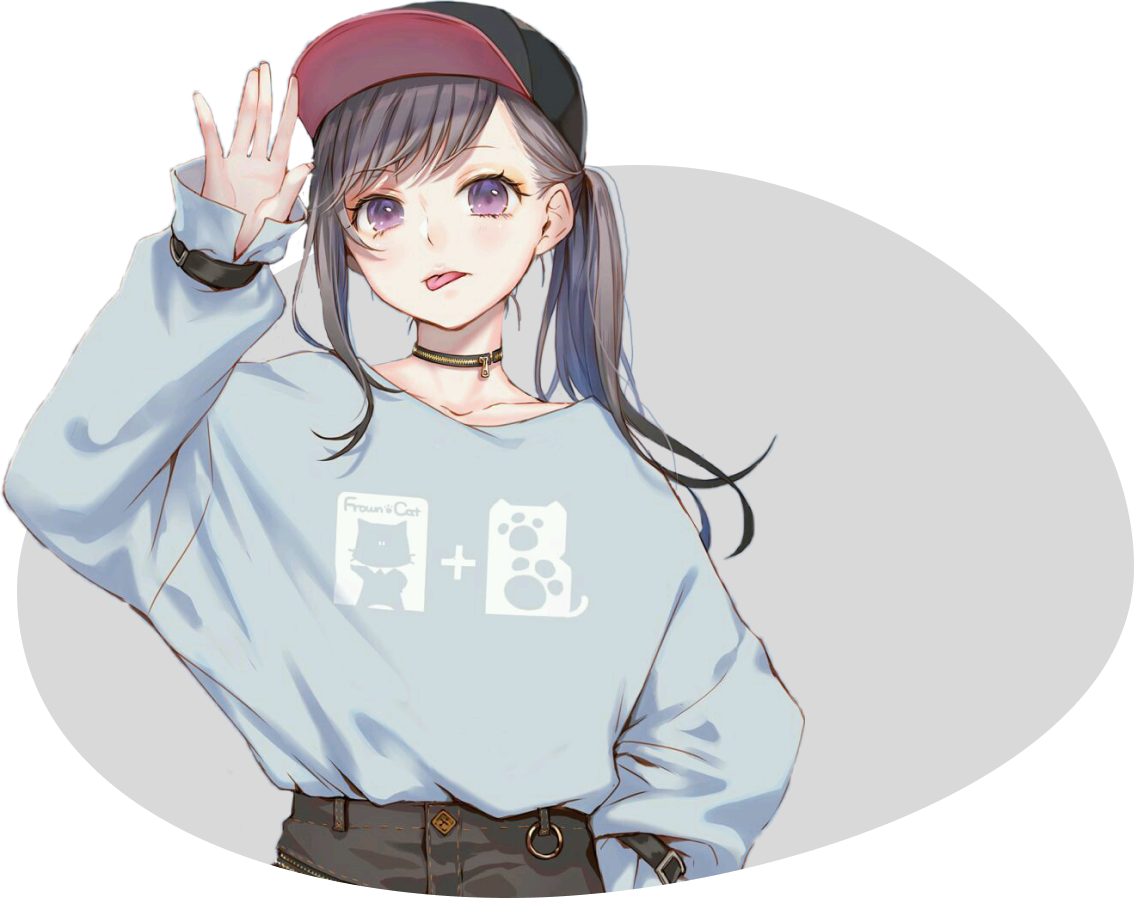
Add an animated 3D companion that responds to phone movement, taps and changing context, with expressions and dialogue bubbles. Choose from six models: Anya, Homare, Miku, Puff, Zoro or Pikachu.
 oh, hi ✦✦✧
SIX 3D COMPANIONS
- Phone-tilt gaze and body movement
- Touch reactions and expressive animations
- Context-aware companion bubbles
06 / STYLE◌
Carry the look across Android.
Pair your lockscreen with matching system details and artwork, so your setup feels considered from the first glance.
9:41◔ ◦ ▰
Wi-FiSoundFocus
ONE PALETTE / YOUR ANDROID
- Header clock styles
- Quick Settings shapes
- Wallpapers, icon packs and color styling
AND THERE'S MORE
Your setup can
keep evolving.
Explore animated weather, depth wallpapers, custom cutouts, focus profiles, quick task editing, AOD-aware layouts and more ways to finish each clock.
See the changelog ↗Animated weatherDepth wallpapersFocus profilesAlways-on displayCustom cutoutsLayer animationsClock templatesSaved groups
MAKE IT YOURS
Your next lockscreen
starts here.
Designed for Android 12+. Module and ROM requirements apply; compatibility varies by device.